At a Glance
Recruiters can now see exactly how a job moved through Avionté 24/7 WORK distribution: who was notified, in what order, via which channel, and whether they responded. The new Mobile Distribution section in AviontéBOLD turns a black box into a ranked, actionable list, enabling teams to act on job-specific fit rather than working talent broadly.
“It went out.”
If you’ve worked in staffing, you’ve likely heard those three words. A job was sent to candidates. What happened next? Who received it? In what order? Was it sent via text, app, or email? Did anyone respond? Did anyone accept?
“It went out” sounds like an update, but it leaves recruiters guessing.
And when you can’t see what happened after a job was distributed, you compensate the only way you can. Pipeline broadly. Nominate widely. Call everyone. Hope the right person is somewhere in the pile.
The problem isn’t effort. It’s visibility. When you can’t see how a job moves through your talent pool, you’re left reacting instead of making informed decisions.
That’s what Mobile Talent Distribution changes.
Why We Built Mobile Talent Distribution
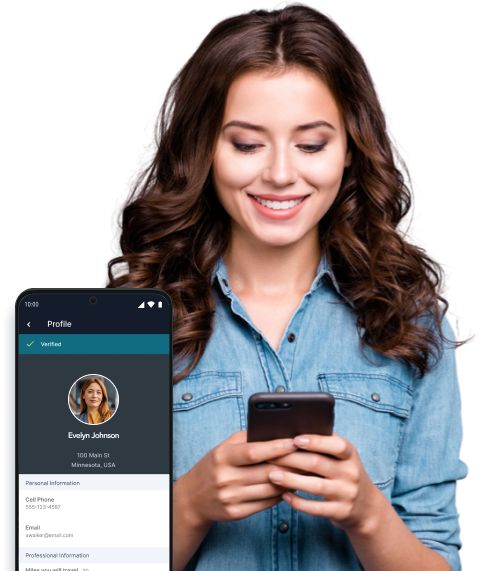
Avionté 24/7 WORK sends jobs to talent through the mobile app in ranked order, notifying the right people by SMS, in-app message, email, or a combination. That’s a strong first pass. But recruiters want more than a first pass. They want to see exactly how a job moved, so they can apply their own judgment on top of it.
That’s the gap we set out to close. Mobile Talent Distribution gives recruiters direct visibility into the distribution on the Job > Talent screen. The goal is simple: let your team act on job-specific fit rather than nominating or pipelining talent broadly and hoping the right person surfaces.
The system handles the sorting. Your recruiter makes the decision. That balance matters because the best placements still come from a person who knows the client, the job site, and the talent.
What Recruiters See on the Job > Talent Screen
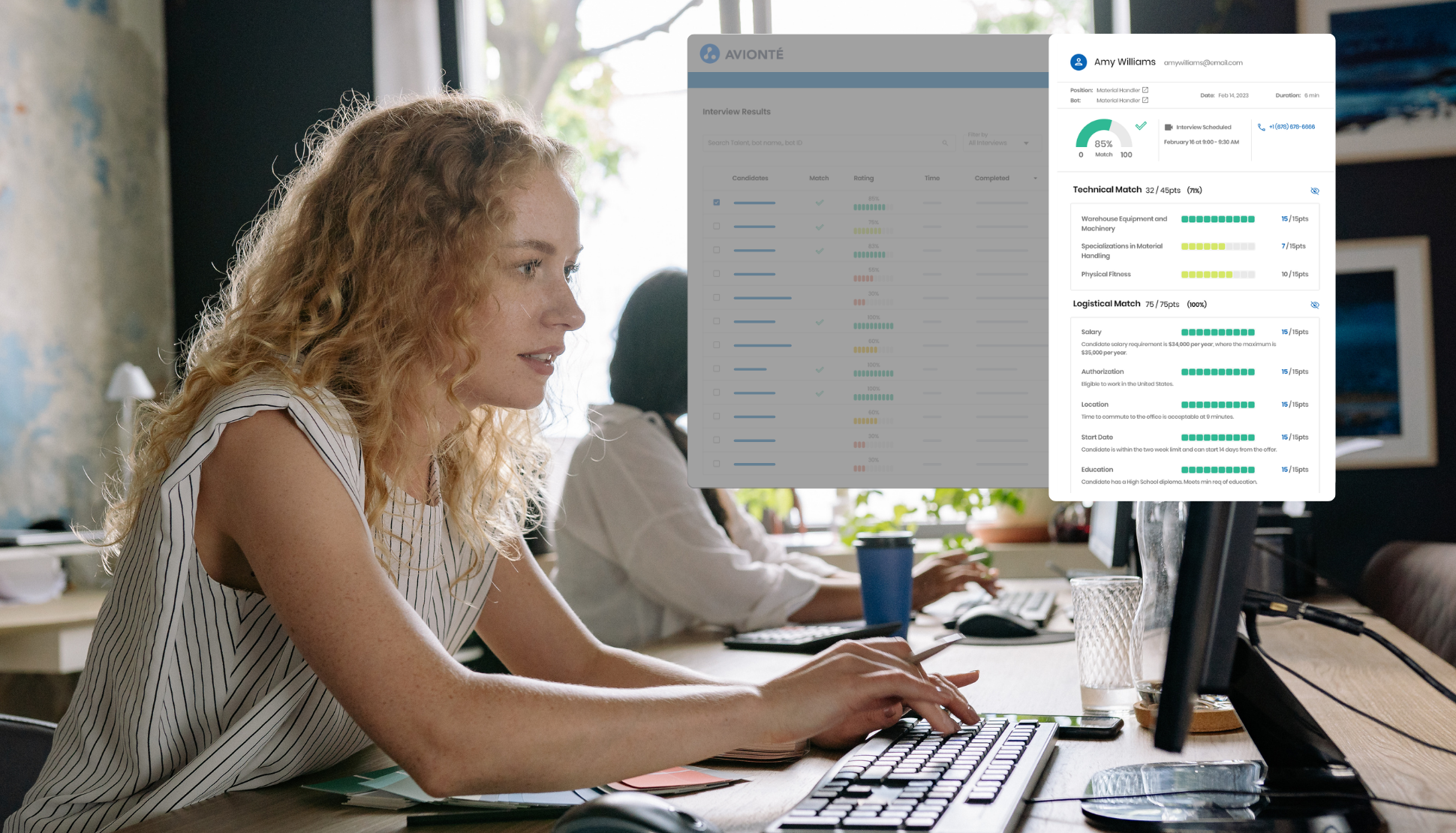
For any job sent through Avionté Mobile, the Job > Talent screen now includes a Mobile Distribution section. It’s collapsible, and BOLD remembers whether you left it open or closed. Each row represents one talent in the distribution and answers the questions a recruiter would otherwise chase down by hand:
- Distribution order: where the talent ranked, with the highest priority at the top
- Notification method and time: whether they were reached by SMS, in-app, or email, and when Opportunity status: Accepted, Declined, No Answer, Not Yet Notified, or Recruiter Declined
- Last action: when the talent last responded
In practice, using it takes seconds. A recruiter opens the job, scans the list, and sees who has said yes, who hasn’t answered, and who hasn’t yet been notified. Search by name or filter by delivery method, status, or last action to narrow the list for a busy job.
Then comes the best part. Every row has its own actions. Move a talent into the Pipeline, nominate them, or start them on the job, all from the same row. If someone isn’t the right fit, decline the opportunity on their behalf, and they receive a notification instead of silence.
From Job Distribution to Recruiter Decisions: Know Who Responds. Decide What Happens Next
Distribution is the front door, not the finish line. Being on the list doesn’t move a talent into Pipeline, Nominate, or Start. They remain on the Mobile Distribution list until a recruiter acts, and that is exactly the point: the recruiter decides what happens next.
That makes the list a deliberate stage between a job going out and a talent moving forward. A recruiter can bring a strong responder into Pipeline, nominate someone who fits the job, or start talent who is ready to work. These actions also respond to context. Pipeline greys out for talent already pipelined, and Nominate greys out for talent already started, so each row shows what is still possible for that person.
Think of it as a workflow with a clear handoff. Avionté 24/7 WORK ranks and notifies. Your recruiter reviews and decides. BOLD records the outcome.
What Enabling Mobile Talent Distribution Means for Your Agency
Visibility may seem like a small thing until you count what it replaces. Here’s what changes when recruiters can see how a job progressed:
- Fit replaces volume. When the ranked list is on screen, recruiters pick the talent who match the job in front of them. Pipelines hold the people you chose, not the people you hedged on.
- Follow-up lands where it counts. A No Answer status tells a recruiter exactly who to call next. A Not Yet Notified status indicates who is still waiting in the queue. Nobody has to guess.
- Responses leave a trail. Accepted and declined responses are logged on the talent’s timeline as Mobile Job Opportunity Accepted and Mobile Job Opportunity Declined, so the story of every job is documented rather than remembered.
- Talent receives an answer. When a recruiter declines an opportunity on someone’s behalf, the talent is notified. In a market where your best workers have options, closing the loop is part of the experience you offer.
Add it up, and the real benefit is trust. Recruiters trust the process because they can see it. Leaders trust the numbers because activity is recorded. And talent trusts the agency because someone responded, which is a big part of why mobile staffing apps improve worker retention and redeployment.
From Guesswork to Informed Recruiting Decisions: See What’s Happening After a Job Goes Out
Automation earns trust the same way people do: by showing its work. Staffing leaders have heard plenty of promises about technology that does everything behind the curtain, and skepticism is warranted. A system you can’t inspect is one your team will second-guess, work around, or quietly ignore.
Mobile Talent Distribution takes the opposite approach. It puts the ranking order, the notification channel, the timing, and the response on one screen, where a recruiter can review the system’s work and apply their own. Recruiters use what they can understand and rely on what they can verify.
That is the difference between technology that is switched on and technology that is actually used.
Mobile Talent Distribution: What to Know Before Enabling
Mobile Talent Distribution is automatically available to clients with the 24/7 WORK integration enabled. No additional system settings or permissions are required.
There is one workflow change to note. Interest jobs now appear first in the Mobile Distribution list, allowing recruiters to review responses and decide what happens next before talent moves to Pipeline, Nominate, or Start. As a result, the Entry Point for Interest Jobs setting (Account & Settings > Avionté Marketplace > WorkN Integration) is no longer available once the feature is active.
There are also reporting implications. Three new timeline activity types replace the legacy 24/7 WORK activity types. Existing activity records remain intact, but update saved filters, reports, and automations that rely on the old activity names to capture new responses.
Sending a job to your talent pool is only the first step. Knowing who received it, who responded, and what should happen next gives recruiters the visibility needed to make better decisions and move jobs forward.
Want the full details? Read the Mobile Distribution in Candidate Management article in the AviontéBOLD Knowledge Base.
Key Takeaways
- See How Every Job Moved. The Mobile Distribution section shows who a job went to, in what order, how they were notified, and whether they responded.
- Act on Fit, Not Volume. Move the right talent into Pipeline, Nominate, or Start from the same row, instead of casting a wide net.
- Follow Up With Purpose. Opportunity statuses show exactly who accepted, who declined, and who still needs a nudge.
- Keep the Human in the Loop. Distribution does the sorting. Your recruiter makes the call.
- Turn On Nothing. The feature is available automatically with the 24/7 WORK integration, with no new settings or permissions.